Local transcription · any file · any link
Turn anything you can play into text you can search.
Drop in a file from your PC or paste a YouTube link. Get a clean, timestamped transcript on your own machine. Export it, summarize it, or chat with one transcript or your whole library. Nothing is uploaded anywhere.
The download asks for a password. Ask Gerard for it.
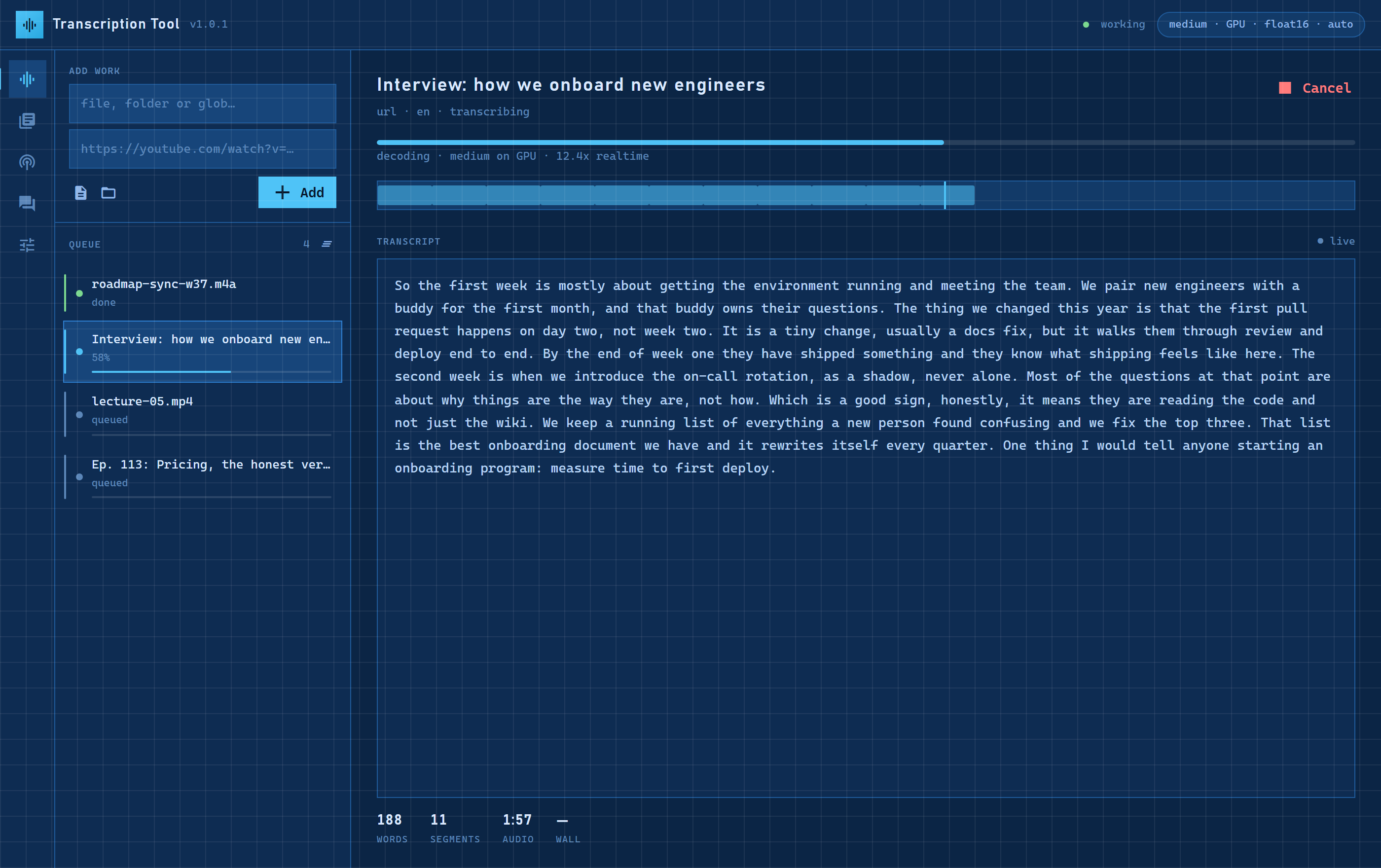
Any file, any YouTube link
Audio or video off your drive, a whole folder, or a URL pasted straight in. Long recordings are fine.
Detected, or named
It works out the language on its own, or you tell it. Punctuated, timestamped, searchable.
A summary per transcript
The gist, the points, the names that matter. Optional, and a digest for a whole channel.
TXT, MD, SRT, JSON
With timestamps or without. One click, or one merged document for a folder.
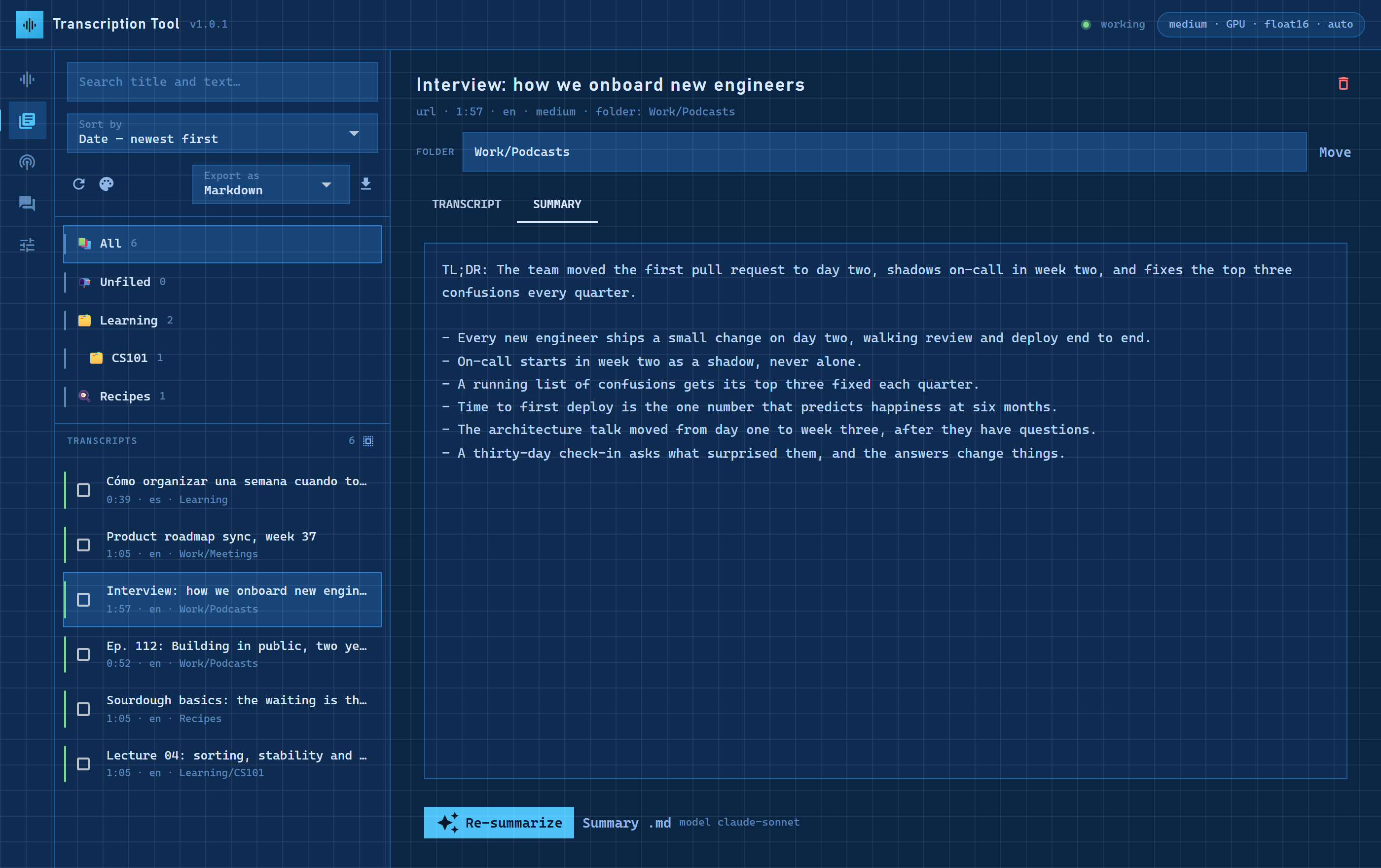
Everything you have transcribed, in folders, with summaries.
Search across all of it. Open one and read the transcript beside its summary. Tick several to merge, move or export them together. Ask a question with any of them as context.
- Windows
- 10 or 11, 64-bit
- Disk
- about 2 GB for the app, plus the speech model it downloads once (0.5 to 1.5 GB)
- Memory
- 8 GB is enough
- Graphics
- Optional. An NVIDIA card makes it several times faster. Without one it still works, at roughly the speed of the recording.
- Internet
- Once, to fetch the speech model, and for YouTube links. Your files never go anywhere.
- Download the zip and unzip it anywhere, for example in Documents.
- Double-click TranscriptionTool.exe. Windows will say it protected your PC because the app is not signed: More info, then Run anyway. Once.
- Queue your first file. The first job downloads the speech model with a progress bar; every job after that starts at once.
- YouTube links? Install Firefox and sign in to youtube.com once. The app reads that login to download videos as you.
- NVIDIA card? Settings, then Enable GPU. One download of about 1.3 GB.
- Summaries and chat? Settings, then Summaries & chat: Claude Code with your own account, or a Z.AI key. Without one, transcription and exports work the same.
- YouTube downloads stopped working.
- YouTube changes its rules every few months and the downloader has to catch up. The app's top bar shows when there is an update; Settings installs it in place. Local files are never affected.
- The app opens and nothing happens.
- Settings, then Open log folder. Send the newest file there. It holds everything the app tried to do.
- Where is my data?
- On your disk, under
%LOCALAPPDATA%\TranscriptionTool: the library, the settings, the models. Delete the folder and the app is gone. - Is this free?
- Yes. Gerard built it for himself and shares it with people he knows. That is why the download has a password.